
PDF to EPUB Converter
Turn a PDF to EPUB that reads like a real ebook: the running heads and page numbers taken out, paragraphs joined across pages, every chapter in a contents list you can tap, footnotes linked, pictures kept with their captions. You check the chapters and see each one on a phone screen before you download. Free, no sign-up, and your file never leaves your browser.
- Free, no sign-up, no watermark
- Converted in your browser, never uploaded
- Running heads and page numbers removed
- Chapters in a contents list you can tap
- Footnotes linked, pictures kept
- See every chapter on a phone first
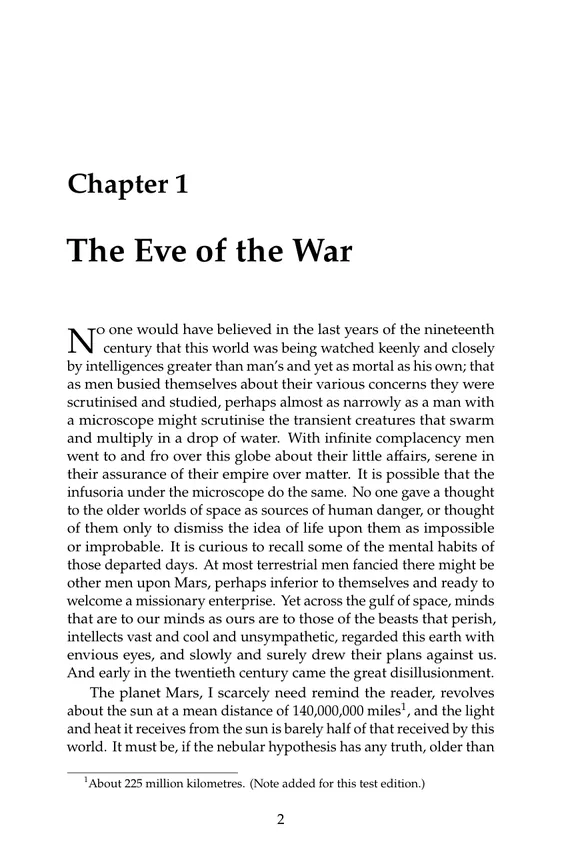
The PDF, as printed
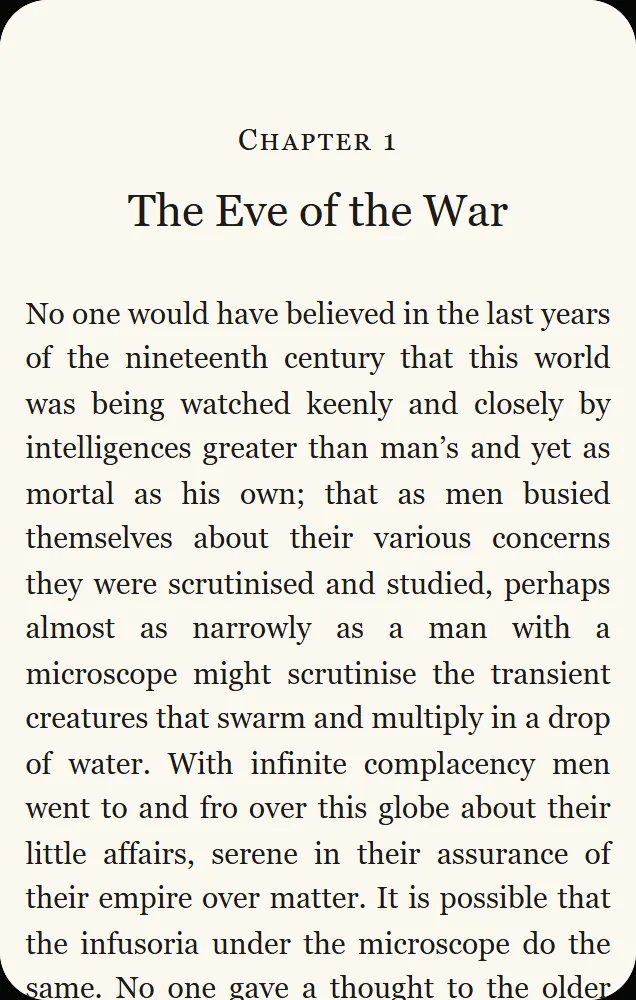
The same chapter in the EPUB
- no account, no watermark, files up to 100 MB
- Free
- the PDF is converted on your device
- 0 uploads
- with a contents list older readers understand too
- EPUB 3
- reflowable text, or the pages kept as they are
- 2 modes
How do you convert a PDF to EPUB?
To convert a PDF to EPUB, drop the PDF here and the converter reads it in your browser: it finds the chapters, removes what only belongs on a printed page (running heads, page numbers, words broken at the end of a line) and rebuilds the paragraphs. You check the title, author, cover and chapters, look at any chapter as it will appear on a phone, then download the EPUB. A picture book, comic or scan can keep its pages exactly as printed instead.
How to convert PDF to EPUB
From a PDF to an ebook in three steps.
Drop your PDF
Drop a PDF, a Word file (.docx), a text file or Markdown, up to 100 MB. It is read in your browser, so nothing is uploaded and there is no queue to wait in.
Check the chapters
The title, author and language are filled in for you. Keep, rename or join any section, choose a cover, and tap a chapter to see it on a phone screen.
Download the EPUB
One button makes the EPUB on your device, named after the book. Open it in any e-reader app, send it to a Kindle, or read it right here.
Why use this PDF to EPUB converter
Built to make a book, not just to change a file type.
Only the book, not the printed page
Running heads, page numbers and the hyphens that split words at the end of a line are taken out, and a paragraph that runs over a page break is joined again. Short lines of dialogue stay their own paragraphs.
Real chapters, at their level
Chapters are found from the PDF’s bookmarks or its headings, and the contents keep their levels: a part over its chapters, a chapter over its numbered sections. Chinese and other CJK books get their chapters too. The printed contents page, with page numbers that mean nothing in an ebook, is replaced by one you can tap.
Footnotes, italics and pictures kept
Each footnote moves to the end of its chapter, linked both ways from the mark in the text. Italics and bold come across from the PDF’s fonts, and pictures stay where they were with their captions underneath.
Keep pages as they are
Picture books, comics, cookbooks and scans are better as pages. Choose this mode and each page becomes a picture in a fixed-layout EPUB, laid out exactly as printed. The text can’t be resized or searched in this mode, and the page tells you so.
Free and private
There is no account, no watermark and no upload: the conversion runs in your browser and the EPUB is saved from it. That also makes it fast, because there is no file to send and no queue to wait in.
Then read it, or hear it
Open the EPUB in our EPUB reader without installing anything, or turn the same PDF into an audiobook with the PDF to audiobook maker. No cover? Make one with the AI book cover generator.
What happens to each part of your PDF
A PDF is made for paper; an EPUB is made for screens of any size. This is what the converter does with each part of the page.
| In the PDF | In the EPUB |
|---|---|
| Running heads and page numbers | Removed; the check screen says how many |
| Words broken at the end of a line | Joined again (hyphenated words such as “self-evident” keep their hyphen) |
| Paragraphs split by a page break | Joined; one-line replies stay their own paragraphs |
| Chapters and parts | Found from bookmarks or headings, listed at their level |
| The printed contents page | Replaced by a contents list you can tap (you can keep it) |
| Footnotes | At the end of the chapter, linked to and from the mark |
| Italics and bold | Kept, read from the PDF’s fonts |
| Pictures and captions | Kept in place, the caption under the picture |
| Tables, columns and sidebars | Text kept in reading order, layout not: choose Keep pages as they are |
| A scanned PDF | Pages kept as pictures in a fixed-layout EPUB |
PDF to EPUB guide
Why convert a PDF to EPUB
A PDF keeps every page the size it was printed, so on a phone you pinch and scroll sideways to read a line. An EPUB lets the text flow to fit the screen, with the font size, spacing and colors each reader prefers, and it remembers where you stopped.
Converting is worth it for novels, essays, reports and most nonfiction. For a cookbook or a picture book, where the layout is part of the content, keep the pages as they are instead. Our guide what is EPUB explains the format and which apps open it.
Convert PDF to EPUB without losing format
Reflowable text can’t keep the exact page: lines, page breaks and the position of a picture change with the screen. What it can keep is the structure: chapters and their headings, paragraphs, italics and bold, footnotes and pictures with captions. That is what this converter carries across.
When the look of each page matters more than resizing the text, choose Keep pages as they are. Each page then appears exactly as in the PDF, and a tablet held sideways can show two pages side by side.
Not sure? Look at a chapter in the phone preview before you download.
Word and text files to EPUB
The same converter takes a Word file (docx to EPUB) or a plain text or Markdown file (txt to EPUB). In a Word file, chapters come from the Heading 1 style; in a text file, from lines such as “Chapter 1” or Markdown headings.
Authors use this to check how a manuscript reads as an ebook: the contents list, the chapter openings and how each paragraph sits on a small screen.
- 1Save your manuscript as .docx, with each chapter title set in Heading 1.
- 2Drop it into the converter and check that every chapter is listed.
- 3Add the cover, then download the EPUB and open it on your phone.
PDF to EPUB for Kindle
Kindle takes EPUB files through Amazon’s Send to Kindle, and the book then appears on your Kindle and in the Kindle app. MOBI is no longer needed: Send to Kindle stopped taking MOBI files in late 2022.
Keep the title and author filled in on the check screen: they are what your Kindle library shows. A cover added here becomes the book’s thumbnail.
Scanned PDFs
A scan is a picture of each page with no text inside, so there is nothing to reflow. The converter tells you when it finds one and makes a fixed-layout EPUB from the pages instead, which reads well on a tablet.
Copy-protected files (DRM) can’t be converted. Use a copy of the book you are allowed to change, such as your own manuscript or a public domain edition.
Who converts PDF to EPUB
Anyone with a PDF that should read like a book.
Readers
A public domain PDF that reads on a phone like any ebook.
Self-published authors
A manuscript checked as an ebook before it goes to a store.
Students
Long reports and papers that adjust to a small screen.
Small presses
Print files turned into review copies for early readers.
Book clubs
The same edition for every member, on whatever device they use.
Audiobook makers
Clean chapters to read from, and the same PDF made into audio.
PDF to EPUB questions
Convert your PDF to EPUB now
Drop a PDF, check the chapters on a phone screen, and download a clean EPUB. Free, with no sign-up, and nothing leaves your browser.