What Is EPUB? How to Open and Read an EPUB File
What is EPUB? An EPUB file is a whole ebook in one ZIP: web pages, style sheets, pictures and contents. How it differs from PDF and MOBI, and how to open one.
VoiceBookify10 min read
On this page
What is EPUB? EPUB is the open standard format for ebooks. An EPUB file is a ZIP archive with the extension .epub that holds a whole book: its chapters as web pages, the publisher's style sheets and pictures, a list of its files in reading order, and a table of contents. Its text isn't fixed to a page, so it reflows to fit a phone, an e-reader or a laptop at the size you choose.
The current version, EPUB 3.3, has been a W3C Recommendation since 2023. We build an EPUB reader that opens these files in the browser and reads them aloud, so we opened a real EPUB file instead of repeating other guides. Below is what an EPUB holds, how it compares with PDF and MOBI, how to open one on each device, and why some won't open.
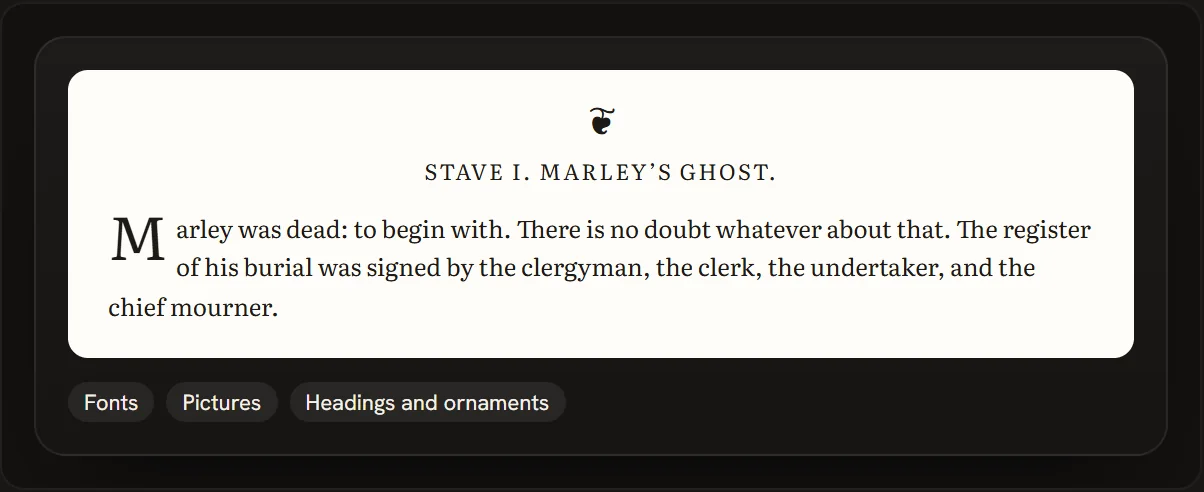 The publisher's design travels inside the EPUB file, as our EPUB reader shows it
EPUB at a glance
| EPUB | |
|---|---|
| What it is | An ebook in one file |
| File | A ZIP archive with the extension .epub |
| Inside | Chapters as XHTML web pages, CSS style sheets, pictures, a package file and a table of contents |
| Layout | Reflowable by default; fixed layout for books designed page by page |
| Standard | Open, published by the W3C; EPUB 3.3 is the current version |
| Media type | application/epub+zip |
| Locked | Not by itself. Books bought from stores often come with DRM |
What's inside an EPUB file
To see what an EPUB file really holds, we downloaded Project Gutenberg's EPUB3 of Pride and Prejudice, the format Gutenberg recommends for most devices: the 1894 George Allen edition with Hugh Thomson's illustrations, 24,864,457 bytes on 14 November 2026. An EPUB is a ZIP archive, so any unzip tool opens it. Inside are 182 files:
| Part | Files | Size | What it does |
|---|---|---|---|
mimetype |
1 | 20 bytes | Says application/epub+zip. It comes first in the ZIP, as the standard requires, and is stored uncompressed, so a program knows it's an EPUB from the first bytes |
META-INF/container.xml |
1 | 252 bytes | Points to the package document |
Package document (content.opf) |
1 | 27,316 bytes | The title, author, language and accessibility details; a manifest of all 179 other files; and the spine, the order to read them in |
Navigation document (toc.xhtml) |
1 | 73,251 bytes | The table of contents, as a web page |
Older contents (toc.ncx) |
1 | 116,486 bytes | The same contents in the EPUB 2 form, for older readers |
| Text (XHTML) | 9 | 870,088 bytes, 303,509 compressed | The book: seven long files that hold the text, plus two small pages that show the cover |
| Style sheets (CSS) | 4 | 7,343 bytes | Fonts, spacing, centred headings |
| Pictures | 164 | 24,512,383 bytes, 98.6% | The cover and the illustrations |
Three things stand out:
- The words are small. The whole novel, about 122,000 words, is 870,088 bytes of web pages, and the ZIP squeezes that to about a third. Gutenberg's download without the illustrations is only 609,138 bytes, and 273,357 of those are the cover.
- Pictures are most of the file. The 164 pictures make up 98.6% of it. They're stored as they are, because JPEG and PNG files are already compressed.
- The chapters are web pages. Each XHTML file is an ordinary page of headings, paragraphs and pictures, styled by the CSS files. That's what lets an EPUB reflow, and why a reader can show the publisher's design or switch it off for plain text.
The package document also lists accessibility details, such as how the book can be read (schema:accessMode). The W3C's EPUB Accessibility 1.1, a Recommendation since 2023, sets out what an accessible EPUB contains and how it describes itself.
EPUB 3 and EPUB 2 in the same book. Gutenberg also offers Pride and Prejudice as "EPUB (older e-readers)", which is EPUB 2: version 2.0 in its package document, 18 XHTML files, and only the older toc.ncx for its contents. The EPUB 3 file carries both kinds of table of contents, so older readers still find the chapters.
A short history of EPUB
| Year | What happened |
|---|---|
| 2007 | EPUB 2 from the International Digital Publishing Forum (IDPF) |
| 2011 | EPUB 3.0 approved on 11 October |
| 2014 | The media type application/epub+zip registered with IANA |
| 2017 | The IDPF and the W3C combined on 1 February |
| 2023 | EPUB 3.3 became a W3C Recommendation on 25 May; the current edition is dated 13 January 2026 |
The Library of Congress lists EPUB3 as a preferred format for digital books in its Recommended Formats Statement for textual works.
Reflowable and fixed-layout EPUB
Most EPUBs are reflowable: the reader lays the text out in pages that fit the screen and the font size you pick, so the number of pages changes with the size. A fixed-layout EPUB sets rendition:layout to pre-paginated in its package document, and then each file is exactly one page, laid out as designed.
Apple's Pages shows both: in its guide to creating an EPUB book, landscape book templates are exported as fixed-layout EPUBs, while portrait ones can use reflowable text that "adjusts to different sizes or orientations of devices".
EPUB vs PDF
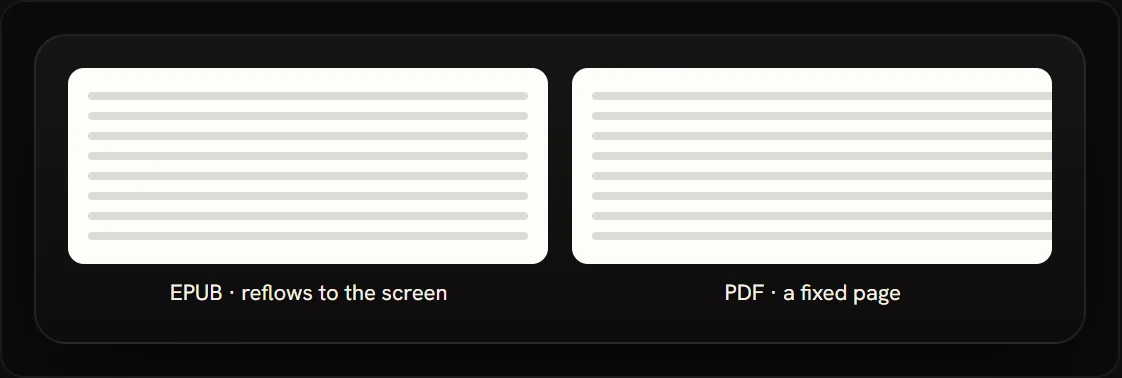 An EPUB reflows to the screen; a PDF keeps its page
| EPUB | ||
|---|---|---|
| Page | Reflows to the screen | A fixed page, as printed |
| On a phone | Text at the size you choose | Often needs zooming |
| Fonts and size | You choose | Set by the file |
| Pages differ by device | Yes | No |
| Best for | Reading books on any screen | Printing and exact layouts |
Choose EPUB for reading, especially on a phone. Choose PDF when the page has to look the same everywhere. To count the words in either, our word counter reads EPUB, PDF and Word files and gives the book's own text apart from headers, page numbers and front matter.
EPUB vs MOBI
MOBI is the older Kindle format, and it's on its way out. Amazon's Send to Kindle stopped taking MOBI files (.AZW, .MOBI) in late 2022, and it now accepts EPUB. Kindle Direct Publishing stopped accepting MOBI for reflowable books in August 2021 and for fixed-layout books in March 2025.
So EPUB is now the format to use even for a Kindle. Project Gutenberg's own tip for Kindles is to download the EPUB3 and upload it to Send to Kindle.
How to open an EPUB file
| Device | How to open an EPUB |
|---|---|
| iPhone and iPad | Apple Books |
| Mac | Apple Books: double-click the file, or File > Import |
| Windows | An EPUB app from the Microsoft Store, or a reader in the browser |
| Android | Upload it to Google Play Books |
| Kindle | Send to Kindle |
| Kobo | Copy it over; Kobo e-readers read EPUB |
| Any computer, in a browser | Our EPUB reader online |
iPhone and iPad
Apple Books opens EPUB books. Apple has no Books help page about opening an EPUB file on iPhone or iPad, but its guide to creating an EPUB in Pages ends with that step: after exporting, tap Books to view the book in the Books app.
Mac
Double-click an EPUB to open it in Books, or choose File > Import in Books. Apple's guide to importing books says you can add content you didn't get from the Book Store, "such as PDFs" and "many EPUB books".
Windows
Microsoft Edge used to open EPUB files, but Microsoft stopped supporting EPUB in Edge in 2019 and pointed readers to EPUB apps in the Microsoft Store. Install one of those, or read in the browser with a web-based reader such as ours.
Android
Google Play Books reads EPUBs you upload. Google's help says that when you upload PDF and EPUB files to Play Books, "you can read them on any device you sign in to".
Kindle
Send to Kindle lists EPUB among the files it takes, up to 200 MB each, and the book then appears on your Kindle and in the Kindle app.
Kobo
Kobo's list of supported formats includes EPUB, EPUB2 and EPUB3; only the Kobo Original and Kobo Wi Fi don't read EPUB3.
In a browser, on any computer
Our EPUB reader online opens an EPUB in the browser without uploading it. It keeps the book's own fonts, pictures and headings, shows one page or two side by side, searches the book, and reads it aloud with your browser's free voices while the page turns with the voice. The book stays on your device's shelf, so it opens again where you stopped.
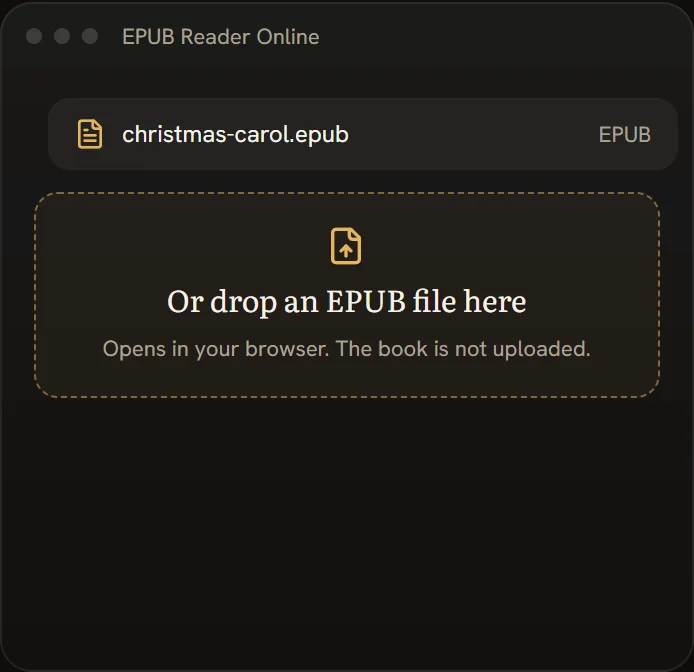 Opening an EPUB in our EPUB reader online
Why some EPUB files won't open
The EPUB format isn't locked, but a book bought from a store often is.
- Adobe DRM. A book protected with Adobe's DRM opens in Adobe Digital Editions, once it is authorised with an Adobe ID or the store's own account. Kobo's help says the same for its books: one protected with Adobe DRM needs Adobe Digital Editions.
- An ACSM file. If you downloaded a small
.acsmfile instead of an EPUB, that's a licence to fetch the book, not the book. Google's help says to install Adobe Digital Editions to open one. - Store-only formats. Apple's import guide notes that some content, "such as ACSM, AZW, and ODM files", can only be opened in the app it belongs to.
- An older reader. An EPUB 3 book may not open on a reader that only knows EPUB 2, such as the Kobo Original and Kobo Wi Fi.
Our reader says when a book is protected and doesn't open it, and we don't unlock DRM. DRM-free EPUBs open: books from Project Gutenberg and other public domain libraries, publishers' review copies, and your own books. Fixed-layout books, and books set in vertical lines, open in its text view instead.
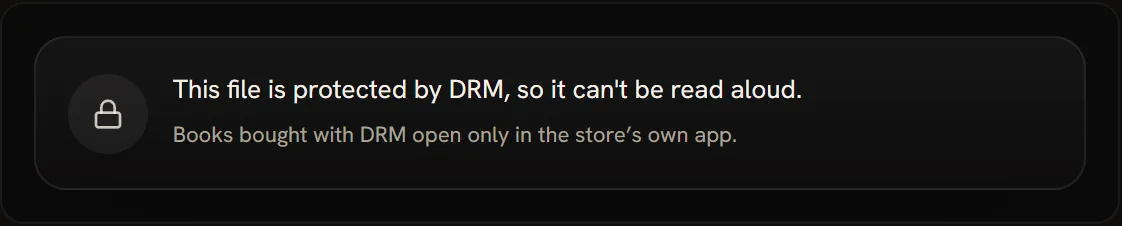 What our reader shows for a book with DRM
Listen to an EPUB, or make it an audiobook
An EPUB is already split into chapters, which makes it a good start for listening. Our EPUB reader online reads any DRM-free EPUB aloud for free with the voices in your browser, and AI narrators are there for credits when you want a more natural voice.
To keep the book as audio, our audiobook maker has an AI narrator read the EPUB chapter by chapter and gives you an M4B with chapters and a cover, or MP3s. AI narration uses credits, one for every 1,000 characters, and packs start at $9.99.
FAQ
Is EPUB free to use?
Yes. EPUB is an open standard: the W3C publishes the specification for anyone to read and use, and EPUB files open in many free apps. Whether a particular book is yours to read depends on where it came from, not on the format. Project Gutenberg marks its books as public domain in the USA.
Which is better, MOBI or EPUB?
EPUB. It's the open standard, it reflows on any screen, and Amazon's Send to Kindle now takes EPUB but no longer MOBI.
Do I need to convert EPUB to MOBI?
No. Send to Kindle takes EPUB and stopped taking MOBI files in late 2022, so send the EPUB as it is. If your book is a PDF, our PDF to EPUB converter makes it an EPUB first, free in your browser.
Can I open an EPUB file as a PDF?
Not directly. They're different formats, so a PDF reader won't open an EPUB. Open it in an EPUB reader such as Apple Books, Google Play Books or our EPUB reader online. Converting an EPUB to PDF fixes the text to one page size, so it no longer reflows. For a book that is already a PDF, our PDF reader reads it aloud.
Can I read an EPUB on a Kindle?
Yes. Send it to your Kindle library with Send to Kindle, which accepts EPUB files up to 200 MB.
Why won't my EPUB file open?
It may be protected with DRM, or be an .acsm licence file rather than the book itself; both need the app the store names. An EPUB 3 book can also fail on a reader that only reads EPUB 2. A DRM-free EPUB opens in Apple Books, Google Play Books or our EPUB reader online.
How big is an EPUB file?
It depends on the pictures. Pride and Prejudice is 609,138 bytes without its illustrations, 273,357 of them the cover, and 24,864,457 bytes with all 164 pictures. The text of the whole novel takes up 303,509 bytes of that.
Open, read or listen to an EPUB with VoiceBookify
Open any DRM-free EPUB in our EPUB reader online: free, in your browser, with the publisher's design and a voice that reads along. Count its words with the word counter, or turn it into an audiobook with the audiobook maker.